




Implementing a WordPress responsive design is essential for creating mobile-friendly websites that deliver a seamless, engaging user experience across all devices—from smartphones and tablets to desktop computers. With mobile traffic consistently dominating web usage, a site that fails to adapt to various screen sizes risks high bounce rates, lost conversions, and lower search engine rankings.
This guide explores the principles of responsive design within the WordPress framework, providing best practices, theme selection tips, and essential tools to ensure your website is accessible, fast, and professional on any screen.
WordPress Responsive Design for Truly Mobile-Friendly Pages
Why Choose Responsive WordPress Web Design For Your Small Business?
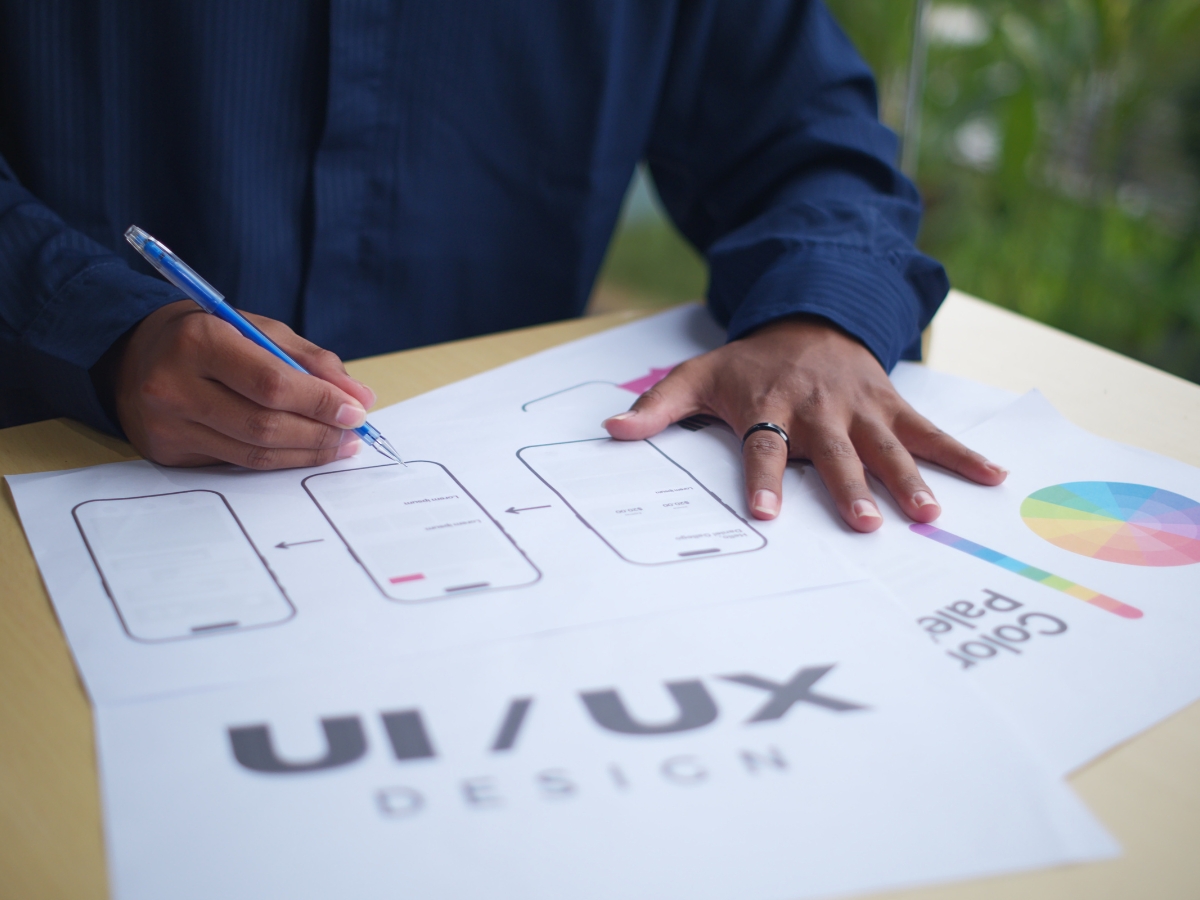
A modern small business website needs to work seamlessly across phones, tablets, laptops, and desktops. WordPress responsive design allows a single website to adjust automatically to different screen sizes, creating a consistent experience no matter how visitors access it. This flexibility matters because a large portion of web traffic now comes from mobile devices, and users expect sites to load quickly and display correctly without pinching, zooming, or awkward scrolling.
For small businesses, responsive design is not just about appearance. It affects how long visitors stay on the site, how easily they find information, and whether they take action. A responsive WordPress site helps reduce frustration, keeps users engaged, and supports long-term growth by making the website usable for a wider audience.
What Makes WordPress Ideal For Mobile-Friendly Responsive Design?
WordPress is well suited for responsive design because of its adaptable framework and wide ecosystem of themes and tools. Most modern WordPress themes are built with responsiveness in mind, meaning layouts, images, and navigation automatically adjust based on screen size. This allows businesses to maintain one website instead of managing separate desktop and mobile versions.
Another advantage of WordPress responsive design is flexibility. As a business grows or changes, the site can be updated without rebuilding from scratch. Layouts can be refined, content can be added, and design elements can evolve while maintaining mobile compatibility. This makes WordPress a practical option for small businesses that want a site that can adapt over time.
Performance also plays a role. WordPress supports optimization tools that improve loading speed, image handling, and overall site efficiency. Since mobile users are often browsing on slower connections, these performance improvements directly support a better experience across devices.
How Does Responsive Design Improve User Experience And SEO?
User experience is one of the strongest reasons to invest in WordPress responsive design. When a site is easy to read and navigate on any device, visitors are more likely to stay longer and explore more pages. Menus that work on touch screens, readable text without zooming, and layouts that fit the screen naturally all contribute to a smoother browsing experience.
This improved usability has a direct impact on engagement. Visitors who can quickly find information are less likely to leave the site immediately. Lower bounce rates and longer visit times signal to search engines that the site is providing value to users.
From an SEO perspective, responsive design plays an important role in visibility. Search engines favor mobile-friendly websites because they align with how people actually browse the web. A responsive WordPress site uses a single URL structure for all devices, which helps consolidate ranking signals instead of splitting them between separate mobile and desktop sites. This makes it easier for search engines to crawl, index, and rank content accurately.
Responsive design also supports content consistency. Since the same content is delivered across all devices, users and search engines see the same information regardless of how the site is accessed. This consistency helps maintain clarity, relevance, and trust.
Why Responsive Design Matters For Small Business Growth
For small businesses, the website often acts as the first point of contact. A poorly displayed site can create doubt about credibility, while a clean and responsive design builds confidence. WordPress responsive design helps small businesses present a professional image without unnecessary complexity.
Responsive sites are also easier to manage. Updates only need to be made once, reducing time spent maintaining multiple versions of a site. This efficiency allows business owners to focus on content, messaging, and customer engagement rather than technical upkeep.
As online competition increases, responsiveness becomes a baseline expectation rather than a bonus feature. Visitors assume a website will work properly on their phone. If it does not, they are likely to leave and look elsewhere.
A Practical Foundation For Long-Term Success
Choosing WordPress responsive design gives small businesses a flexible, scalable foundation that supports both user experience and search visibility. It ensures the website meets modern browsing habits while remaining adaptable to future needs. By delivering a consistent experience across devices, responsive design helps businesses attract, engage, and retain users more effectively, making it a smart investment for long-term digital growth.
How Do You Optimize Your WordPress Site for Mobile Devices?
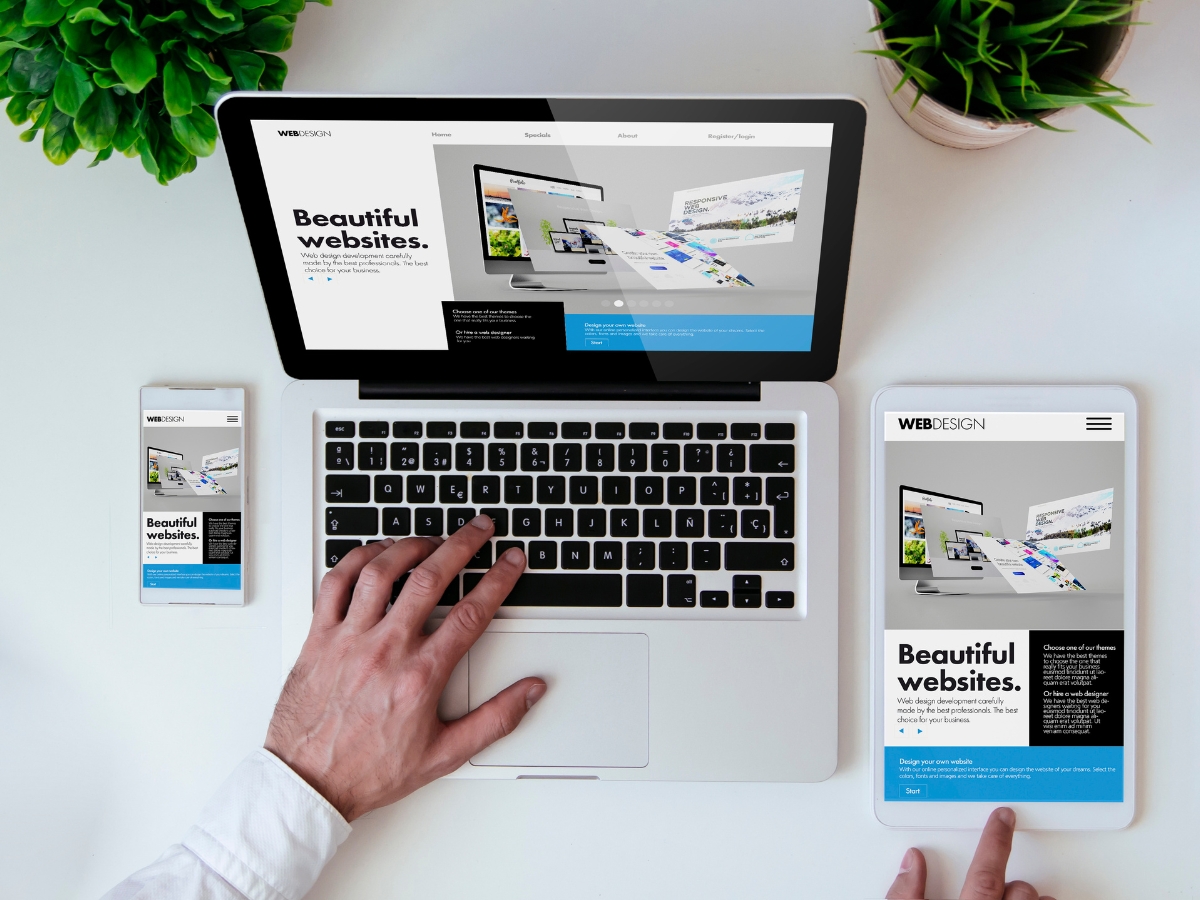
Optimizing a website for mobile is no longer optional. With more users browsing on phones and tablets, WordPress responsive design plays a central role in how well a site performs and how visitors interact with it. Mobile optimization focuses on speed, usability, and layout, ensuring the site feels natural to use on smaller screens while still delivering the same content and functionality available on desktop.
A well-optimized mobile site loads quickly, displays content clearly, and responds smoothly to touch navigation. These elements work together to reduce frustration, increase engagement, and support better visibility in search results.
What Are Effective WordPress Mobile Optimization Strategies?
The foundation of mobile optimization starts with using a responsive theme. A responsive theme automatically adjusts layouts, fonts, images, and navigation based on screen size. This ensures that content is readable without zooming and that menus remain easy to use on touch devices. Choosing a theme built with WordPress responsive design principles eliminates many common mobile issues before they appear.
Image optimization is another critical step. Large, uncompressed images can slow down mobile pages significantly, especially on cellular connections. Compressing images while preserving visual quality helps pages load faster and keeps data usage lower for visitors. WordPress supports image optimization through built-in tools and performance-focused plugins, making it easier to maintain speed without sacrificing design.
Reducing unnecessary page elements also improves mobile performance. Pages overloaded with scripts, widgets, or animations take longer to load and can feel cluttered on small screens. Streamlining layouts and limiting background processes helps create a cleaner, faster mobile experience. These adjustments support WordPress responsive design by allowing the layout to adapt smoothly without being weighed down by excess code.
How To Ensure Fast Loading Speeds On Mobile WordPress Sites?
Speed is one of the most important factors in mobile usability. Visitors expect pages to load quickly, and even small delays can lead to higher bounce rates. Caching is one of the most effective ways to improve load times. By storing static versions of pages, caching reduces the amount of work the server must do each time a user visits the site. This results in faster page delivery, especially during high traffic periods.
Content delivery networks also play a role in mobile optimization. A CDN stores site assets on servers located in different regions, allowing users to download content from a server closer to their location. This reduces latency and improves performance for mobile visitors, particularly those accessing the site from outside the main hosting region.
Minifying CSS and JavaScript files further improves speed by reducing file sizes. When code is streamlined, browsers can load and process pages more efficiently. This is especially helpful on mobile devices, where processing power and network speed may be more limited than on desktop computers.
Mobile performance optimization supports the broader goals of WordPress responsive design. Faster load times improve user satisfaction, increase time on site, and contribute to stronger search engine rankings. Search engines recognize these performance signals and often favor sites that provide smooth mobile experiences.
Why Mobile Performance Matters For Long-Term Success
Mobile optimization affects more than convenience. It directly influences how users perceive a brand and whether they choose to engage further. A slow or poorly formatted mobile site can undermine trust, even if the desktop version looks polished. In contrast, a fast and responsive site builds confidence and encourages repeat visits.
Research consistently shows that mobile performance impacts traffic, engagement, conversions, and retention. Users are more likely to abandon a site that loads slowly or feels difficult to navigate on their device. WordPress responsive design, combined with performance-focused optimization, addresses these issues by aligning the site with modern browsing habits.
Building A Strong Mobile Foundation With WordPress
Optimizing a WordPress site for mobile devices requires attention to layout, speed, and efficiency. By using responsive themes, optimizing images, simplifying page elements, and improving load times, businesses can create mobile experiences that feel intuitive and reliable. WordPress responsive design provides the framework, while thoughtful optimization ensures that framework performs at its best across all devices.
Which Responsive WordPress Themes Best Suit Small and Local Businesses?

Picking the right theme is one of the biggest decisions you will make when building a site, because it affects design, speed, and how easily you can update pages over time. For small and local businesses, WordPress responsive design matters because most customers will visit your site from a phone while searching for hours, services, directions, or contact information. A responsive theme ensures the site looks clean and works correctly on any device, without forcing users to pinch, zoom, or fight with menus.
The best themes for small businesses are usually the ones that stay lightweight, load quickly, and make key information easy to find. They should support simple page layouts for service pages, locations, FAQs, and testimonials without requiring constant technical fixes. A theme does not need to be complicated to be effective. In fact, many local businesses perform better with clean layouts that prioritize clarity over flashy effects.
How To Choose The Right Responsive Theme For Your Business Needs?
Start by looking at customization options. A theme should let you match your brand without needing to edit code. That includes control over typography, colors, spacing, and header layout. You also want flexibility with page sections, so you can create pages that fit your actual business needs, like service detail pages, a contact page with a map, or a gallery for recent work.
Support and updates matter more than many people realize. WordPress updates frequently, and your theme needs to stay compatible with new versions. Themes from reputable developers are more likely to stay secure, avoid conflicts with plugins, and maintain performance. A theme that is not updated regularly can cause layout issues or introduce security problems over time.
User reviews can help, but they should be used carefully. Look for comments that mention stability, speed, and support response rather than vague opinions. It also helps to check whether the theme has a large user base, because widely used themes tend to have more consistent long-term maintenance.
Finally, consider performance. WordPress responsive design is only effective if the site loads quickly on mobile. Avoid themes that rely heavily on large animations, multiple sliders, or overly complex built-in features you will never use. A simpler theme with strong performance is often the better choice for local businesses.
What Are Customization Options For Responsive WordPress Themes?
Many responsive themes include built-in customization tools that make it easier to create a polished site without hiring a developer for every change. One of the most common options is a drag-and-drop page builder, which lets you adjust layouts visually. This can be helpful for creating unique pages while still maintaining responsive behavior across devices.
CSS customization is another option for businesses that want a more tailored look. Even if you do not plan to write custom code, it is useful to have the ability to adjust small design details as your brand evolves. This can include button styling, spacing, or font refinements that help the site feel more professional.
Plugin compatibility is also important. A theme should work smoothly with common tools that small businesses rely on, such as SEO plugins, caching tools, contact form plugins, and security features. When themes are built well, they support WordPress responsive design while still allowing you to extend functionality as needed.
Why Branding Matters Alongside WordPress Responsive Design
A responsive site is easier to trust when the branding is consistent. A clear logo, reliable colors, and cohesive typography help customers recognize your business and feel confident that the site is legitimate. Branding does not have to be complex, but it should be intentional. When your visual identity matches your messaging, and your site works smoothly on mobile, WordPress responsive design becomes part of a stronger overall customer experience.
How To Ensure Cross-Device Compatibility For Your WordPress Website

Cross-device compatibility means your website works smoothly on phones, tablets, laptops, and desktops without forcing visitors to fight the layout. Even with WordPress responsive design, small issues can still show up depending on the theme, plugins, and how pages are built. A button that looks fine on desktop might be hard to tap on mobile. A slider might load slowly on phones. A form might break on certain browsers. Testing and usability improvements help close those gaps so the site feels consistent everywhere.
When your site is easy to use across devices, visitors stay longer, engage more, and are more likely to take the next step. That is why cross-device compatibility is not just a technical detail. It is part of the overall user experience.
What Tools And Methods Test WordPress Site Compatibility Across Devices?
Testing is the fastest way to catch issues before customers do. Browser testing platforms can show you how the site behaves across different devices and browsers, including variations you may not personally use. This matters because WordPress sites can look slightly different depending on browser rendering, screen size, and operating system. Testing tools help you spot layout problems, font scaling issues, spacing errors, or broken elements that only appear under specific conditions.
Mobile responsiveness checkers are also useful, especially for identifying problems that affect usability. For example, a page may technically resize, but text could be too small, content could overflow the screen, or clickable elements could be too close together. Running a mobile-friendly test helps identify those issues quickly and provides a clearer view of what needs fixing.
User testing adds another layer of insight because real users interact differently than developers or site owners. Watching someone navigate your site on a phone often reveals friction points you would not notice yourself, such as menus that are hard to open, buttons that are too small, or forms that feel tedious. Even a small round of feedback can help improve the experience and strengthen WordPress responsive design in real-world conditions.
How To Implement Touch-Friendly Navigation And Mobile Usability?
Mobile visitors interact with your site using their thumbs, not a mouse pointer. That is why touch-friendly navigation is essential. Menus should be simple and predictable, with clear labels and enough spacing so users do not accidentally tap the wrong link. A clean navigation structure often performs better than complex multi-level menus, especially on smaller screens.
Touch target size also matters. Buttons, links, and form fields should be large enough to tap comfortably without precision. If elements are too small or too close together, the site feels frustrating even if it looks visually attractive. Improving spacing and button sizing is one of the easiest ways to make WordPress responsive design feel more usable.
Avoid relying on hover-based interactions. Hover effects may look good on desktop, but they do not translate well to touch screens. On mobile, users expect tap-based interactions that produce immediate results. If a key action requires hovering, it can confuse visitors or prevent them from accessing important content.
It also helps to keep mobile layouts focused. Long paragraphs, oversized images, and heavy animations can slow down navigation and make pages harder to scan. Breaking content into shorter sections with clear headings improves readability on small screens while still maintaining a natural blog-style flow.
Making WordPress Responsive Design Work Everywhere
Cross-device compatibility is achieved through a mix of testing and thoughtful design choices. By checking how pages perform across browsers, running mobile usability tests, and adjusting navigation for touch, you create a site that feels consistent and reliable. WordPress responsive design provides the foundation, but usability refinements are what make the experience truly seamless across every device.
How Does Responsive WordPress Design Support Local SEO Success?
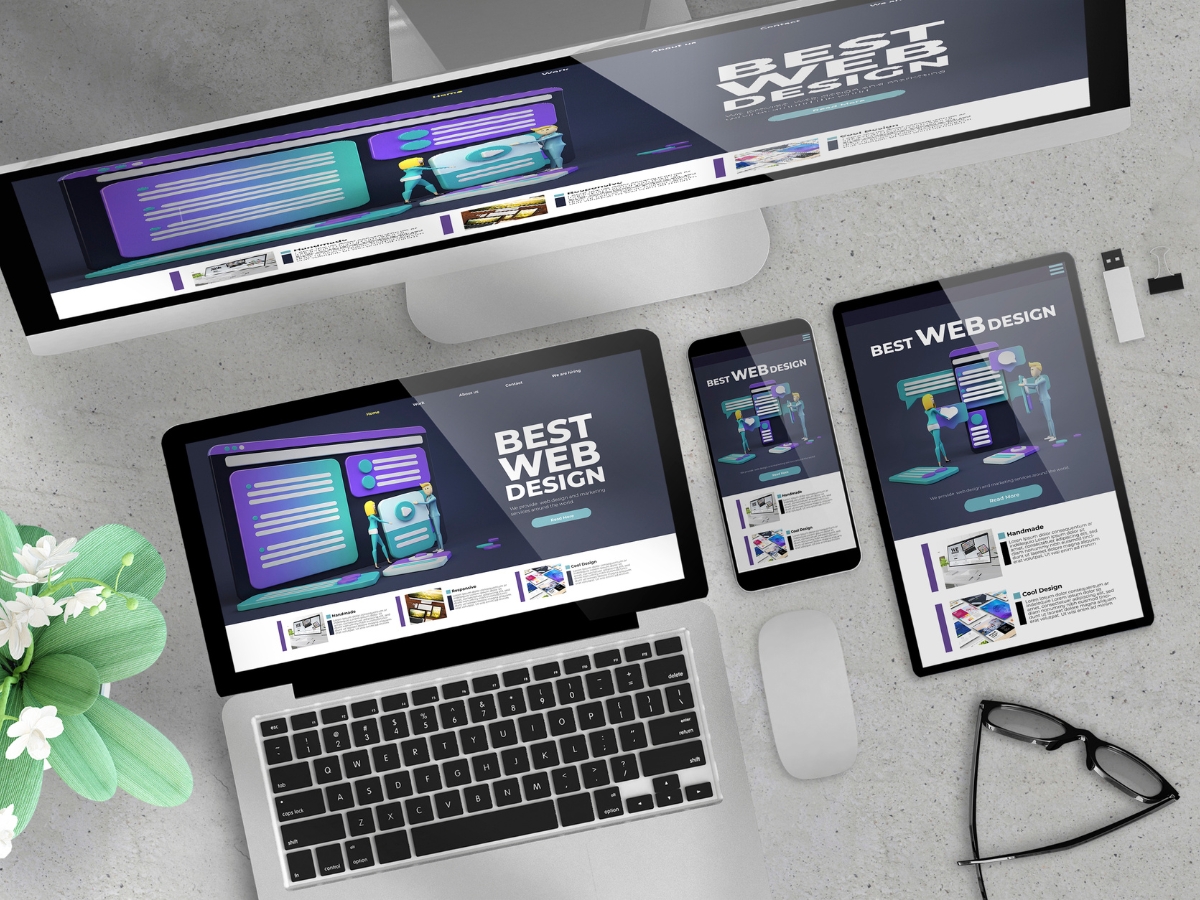
Local SEO is about showing up when nearby customers are ready to take action. They might be searching for a service “near me,” looking up directions, or comparing options on their phone while standing in a parking lot. In those moments, WordPress responsive design matters because it determines whether your site loads quickly, displays correctly, and makes it easy for users to find what they need. If a page is hard to navigate on mobile, visitors often leave, and that loss of engagement can hurt performance over time.
A responsive site also makes your local SEO strategy easier to manage. Instead of maintaining separate desktop and mobile versions, WordPress responsive design keeps everything in one place, using one URL structure and one set of content. That consistency helps search engines crawl and index your pages more efficiently, and it reduces the chances of technical issues that can weaken rankings.
What Local SEO Strategies Integrate With Responsive WordPress Sites?
One of the most important local SEO steps is keeping your business information consistent across the web. Your name, address, and phone number should match everywhere it appears, including your website and business listings. On a responsive WordPress site, this information should be easy to find on every device, often in the header, footer, or a dedicated contact page. When mobile users can quickly confirm location and call you without friction, engagement improves and the site performs better in local search.
Google Business Profile optimization is another key strategy. Accurate categories, hours, services, and photos help you appear in local map results. A responsive website supports this by providing landing pages that match what users see in your listing. For example, if your profile highlights a specific service, your site should have a clear mobile-friendly page that supports that service and includes location context.
Local keyword targeting is also easier to execute with WordPress responsive design because you can build location-focused service pages that display cleanly on mobile. Instead of overloading one page with every service and every city, strong local SEO often relies on clear pages that align with how people search. This includes location terms used naturally in headings, page titles, and body copy.
Reviews matter too. Encouraging customer reviews supports local visibility and builds trust, but the website also plays a role. If someone clicks from a listing to your site and it feels unreliable on mobile, they may hesitate to follow through. A responsive site helps reinforce credibility, which makes customers more likely to call, visit, or leave a review later.
How Does Mobile-Friendliness Impact Local Search Rankings?
Mobile-friendliness affects rankings because search engines prioritize experiences that match real user behavior. A large share of local searches happen on mobile, so Google places more value on sites that perform well on phones. WordPress responsive design helps by delivering a layout that adapts to screen size, keeps text readable, and makes buttons and navigation touch-friendly.
Mobile performance also influences ranking indirectly through behavior. If visitors land on a page and leave quickly because it loads slowly or looks broken, that can reduce engagement signals. A responsive design that loads efficiently and keeps users moving through the site can support better performance in local search results over time.
Why Reputation And Consistency Matter Alongside Responsive Design
Local SEO is not only technical. It is also about trust. A responsive site supports local SEO by helping you present clear information, a consistent brand, and an experience that matches what customers expect. When WordPress responsive design is paired with accurate listings, strong reviews, and location-focused content, it creates a solid foundation for local visibility and long-term growth.
Optimizing WordPress Themes for Responsive Small Business Websites

Small businesses need websites that are easy to manage, load well on mobile, and support growth over time. Newman Web Solutions positions its WordPress responsive design services around those goals, using a structured build process that prioritizes usability and performance across devices. With more than twenty years of experience, their approach is designed to help small businesses create a professional online presence that feels credible, works smoothly on phones and tablets, and supports search visibility.
A major benefit of working with an experienced WordPress team is avoiding common issues that show up later, such as layouts that break on mobile, slow-loading pages, or sites that are difficult to update without a developer. WordPress responsive design is not only about making a site “fit” on smaller screens. It also includes touch-friendly navigation, readable typography, smart page structure, and performance choices that reduce friction for users.
What Is The Five-Stage Custom Responsive WordPress Development Process?
Newman Web Solutions uses a clear five-stage process that helps keep projects organized and aligned with business goals. The first stage is the initial consultation, where the focus is on understanding what the business needs from the website. This typically includes goals such as lead generation, local visibility, service education, or credibility building. Starting with clarity here matters because it shapes everything that follows, from page structure to messaging.
The second stage is the design phase. This is where wireframes and mockups are developed so the site layout can be planned before development begins. It helps ensure the site is easy to navigate and that key information is placed where users expect it. For WordPress responsive design, design planning is especially important because layouts must translate well across screen sizes without becoming cluttered or confusing.
The third stage is development, where the site is built using responsive design principles. This includes building a layout that adapts to different devices, ensuring images scale properly, and creating a navigation experience that works smoothly on mobile. Development is also the stage where performance and plugin choices matter, since bloated features can slow down mobile experiences.
The fourth stage is testing. This is where cross-device compatibility is confirmed, making sure the site works as expected across browsers and screen sizes. Testing also helps catch usability issues, such as buttons that are too small on mobile or spacing that creates accidental taps.
The final stage is launch and support. Once the site goes live, ongoing support helps keep the website stable and updated. This stage is often overlooked, but it is important because WordPress updates, plugin updates, and security maintenance affect long-term performance.
How Do Clients Achieve Measurable Results With Mobile-Friendly Designs?
Mobile-friendly design improves results because it removes barriers between the visitor and the action you want them to take. When pages load quickly, the layout feels clean, and contact options are easy to use on a phone, visitors are more likely to stay on the site and move through key pages. That improved engagement supports stronger outcomes over time.
Many small businesses see an increase in organic traffic after moving to a better WordPress responsive design setup because search engines prioritize mobile usability. A site that performs well on mobile is easier to crawl, tends to have lower bounce rates, and supports better local search visibility. Better usability also supports higher conversion rates, especially for service businesses where visitors are often looking for quick answers, pricing context, or a direct way to call or request information.
Positive user feedback is another common outcome. When visitors can navigate easily, read content without strain, and complete forms without frustration, the site feels more trustworthy. That trust supports stronger lead quality and better overall brand perception.
A Practical Advantage For Small Businesses
WordPress responsive design is one of the most practical investments a small business can make because it impacts visibility, usability, and conversion at the same time. A structured process like Newman Web Solutions’ helps ensure responsive design is built into the foundation of the site, not added as an afterthought. Over time, that creates a website that performs well across devices and supports business growth without constant fixes.
Conclusion
A responsive WordPress design is no longer optional—it’s essential for engaging mobile users and succeeding in search rankings. While a flexible theme is a good start, true mobile-friendliness requires expert optimization for speed, touch navigation, and seamless performance across all devices. To ensure your website delivers an exceptional experience to every visitor, partner with Newman Web Solutions. Ready to make your site truly mobile-first? Call (404) 301-9189 or schedule your free 30-minute strategy session today. Let’s build a responsive website that converts on any screen.